
HUANUO FlowLift Dual Monitor Stand
A dual-arm gas-spring stand that handles two monitors up to 27 inches each — smooth independent adjustment, solid build, and integrated cable management in one package.
View on Amazon →We may earn a commission
See More Top Picks


HUANUO FlowLift Dual Monitor Stand
A dual-arm gas-spring stand that handles two monitors up to 27 inches each — smooth independent adjustment, solid build, and integrated cable management in one package.
View on Amazon →See More Top PicksFROM OUR EDITORS
James Whitfield
SENIOR PRODUCTIVITY EDITOR
“I've spent three years testing monitor arms across every price point. The difference a proper arm makes to neck strain after an 8-hour session is genuinely remarkable.”
Rachel Osei
ERGONOMICS RESEARCH LEAD
“Every product in our guides meets one standard: would it survive a full workweek without causing discomfort? If the answer isn't a clear yes, it doesn't make our list.”
Tom Nakashima
WORKSPACE SETUP SPECIALIST
“We cross-reference Amazon sales volume, verified review patterns, and ergonomic certification data before any product earns a spot on DeskCraftDaily.”
LATEST REVIEW
MONITOR ARMS & LAPTOP STANDS
Best Monitor Arms & Laptop Stands for Your Home Office (2026)
Our top picks for monitor arms and laptop stands that bring screens to eye level and free up desk space.
Read Review →QUICK STAT
48
products reviewed across 8 categories
Top-Rated Home Office Tools


Browse by Category
Monitor Arms & Laptop Stands
Free up desk space and perfect your eye level.
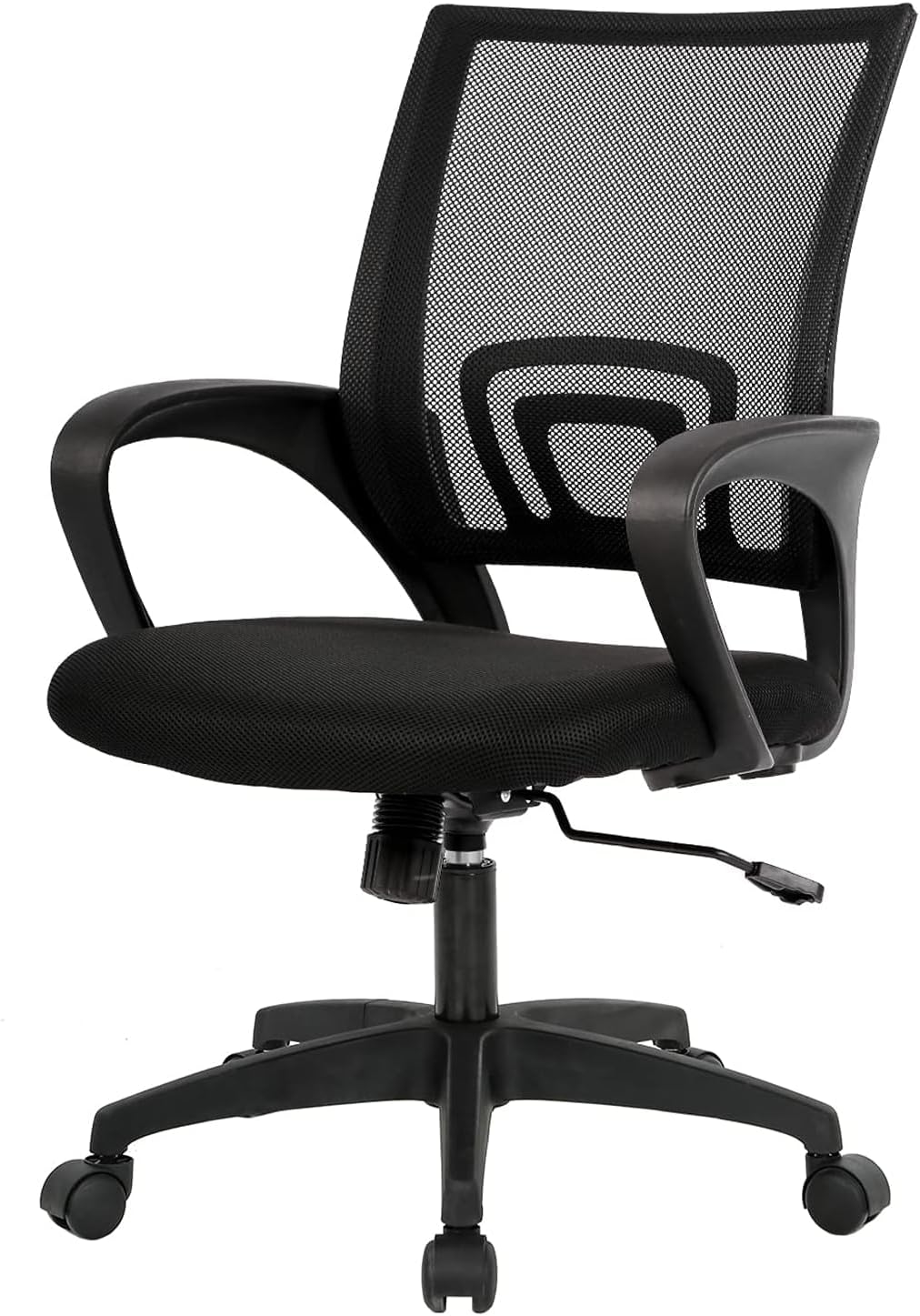
Ergonomic Chairs
Support your back through the full workday.
Standing Desks
Switch effortlessly between sitting and standing.
USB Hubs & Docking Stations
Connect all peripherals with one cable.
Noise Cancelling Headphones
Block distractions and stay in deep focus.
Mouse & Keyboard Combos
Cut the cables and reduce wrist strain.
Desk Organizers
Keep your workspace clean and accessible.
Blue Light Glasses
Protect your eyes during long screen sessions.
Latest Guides
How to Set Up an Ergonomic Home Office from Scratch
A complete step-by-step walkthrough for building a home office that supports your posture, protects your joints, and keeps you productive all day.
The Complete Guide to Monitor Placement & Eye Level
Where you place your monitor determines how your neck, shoulders, and eyes feel after eight hours. Here is how to get it right.
How to Build a Standing Desk Routine That Actually Sticks
Most people who buy a standing desk stop using it within a month. This guide explains the habits and schedules that make standing desks work long-term.
Home Office Audio Setup: Headphones, Mics, and Speakers Explained
Your audio setup determines how you sound on every call and how well you can focus between them. Here is how to build the right combination for your work style.
How to Choose the Right Keyboard, Mouse, and Hub for Your Setup
The peripherals between you and your computer shape how every hour of work feels. This guide explains what matters, what doesn't, and how to choose without overpaying.
Home Office Lighting: How to Reduce Eye Strain All Day
Glare, contrast, and color temperature are the three invisible culprits behind afternoon headaches. Here is how to fix all three with your current space.
Find Your Perfect Ergonomic Setup
Enter your height and we'll calculate the ideal dimensions for your desk, monitor, chair, and footrest.
The Desk
Essential ergonomics and workspace terms explained.
Lumbar Support
The lower-back support built into ergonomic chairs that maintains the natural inward curve of the lumbar spine. Proper lumbar support prevents the pelvis from tilting backward, which is the primary driver of lower-back pain during prolonged sitting.
Monitor Ergonomics
The science of positioning a display to minimize eye strain, neck tension, and postural fatigue. The monitor top should sit at or slightly below eye level, at arm's length distance, with no reflective glare from windows or overhead lights.
Repetitive Strain Injury (RSI)
A category of musculoskeletal conditions caused by repeated movements, sustained postures, or forceful exertions over time. Common desk-related RSIs include carpal tunnel syndrome, tendinitis, and cervical radiculopathy.
Standing Desk Protocol
The practice of alternating between sitting and standing at regular intervals rather than standing continuously. Most ergonomics guidelines recommend 20–30 minutes of standing per hour of sitting for optimal benefit.
Blue Light
Short-wavelength, high-energy visible light emitted by LED screens, smartphones, and fluorescent lighting. Excessive blue light exposure in the evening can suppress melatonin production and disrupt sleep cycles.
Cable Management
The systematic organization of power, data, and peripheral cables to prevent clutter, reduce hazards, and maintain visual clarity. Effective cable management combines under-desk trays, raceways, Velcro ties, and desk grommets.
How We Pick Products
Independent Research
We analyze product specifications, engineering data, and ergonomic certifications against established guidelines from OSHA, NIH, and Cornell Ergonomics Lab. No manufacturer-provided content.
Sales & Reviews
We cross-reference Amazon sales volume with verified purchase review patterns to surface genuinely popular products, filtering out incentivized reviews using pattern-detection methods.
Editorial Standards
Every product is evaluated against a consistent rubric: comfort during extended use, build quality and longevity, value for money, and compatibility with standard home office setups.
OUR PROCESS
Our methodology draws on published ergonomics standards from OSHA's ergonomics guidelines, NIH research on musculoskeletal disorders, and the Cornell Ergonomics Lab.
Affiliate disclosure: Links to Amazon products include our affiliate tag. This does not affect our editorial selections.